Self-service webhooks: subscribe to return events from the Dashboard
Admins can now subscribe to the Return started and Return completed webhooks, set the destination URL and generate the signing secret in the Dashboard, without asking our team.
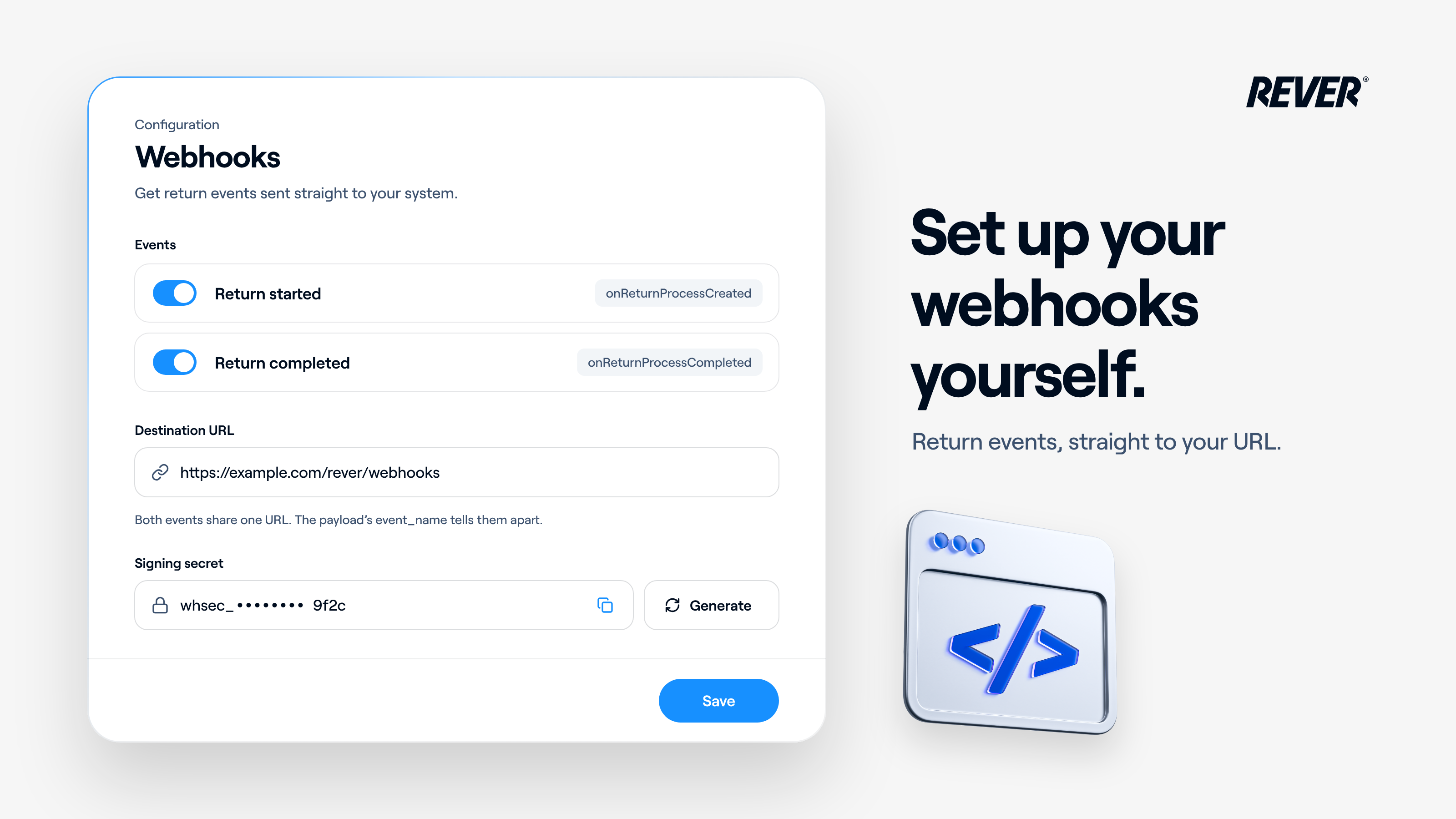
Until today, subscribing to our return webhooks meant sending a request to our team. Now you can do it yourself.
Introducing: Self-service webhooks
How does it work?
Admins can go to Configuration → Webhooks in the Dashboard and:
- Subscribe to Return started (onReturnProcessCreated) and/or Return completed (onReturnProcessCompleted) events
- Set the destination URL. Both events go to the same URL, and the event_name field in the payload tells them apart
- Generate the webhook signing secret, on the same page, to verify that every delivery really comes from REVER
What should I keep in mind?
A webhook can't be enabled without a URL, and unsubscribing asks you to confirm first, because deliveries stop with the next return. You'll find all the details in our docs at docs.itsrever.com/apis/webhooks.
When can I use it?
It's live today in your Dashboard. If you have questions, just let us know.