Return window rules: deadlines by country, order tag and more
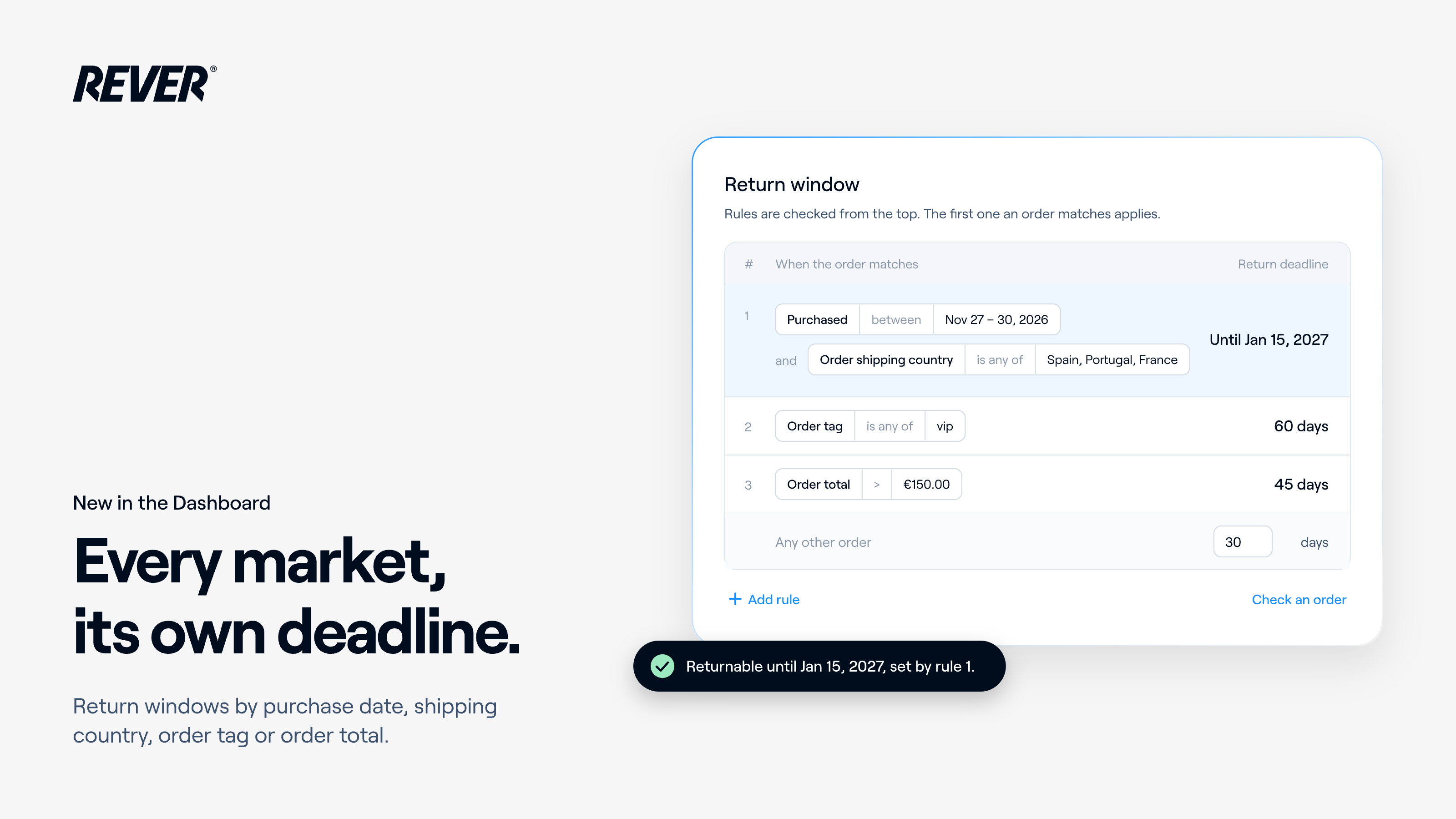
Return window rules can now match the order, not only the purchase date: shipping country, order tag, order total and more. Give each market its own deadline, straight from the Dashboard.
Product updates
New features, improvements and fixes shipped to the REVER platform. Everything we release, in one place, newest first.

Return window rules can now match the order, not only the purchase date: shipping country, order tag, order total and more. Give each market its own deadline, straight from the Dashboard.

You now choose what happens when a shopper swaps an item for a cheaper variant of the same product: refund the difference, or keep the price they paid. You set it yourself, straight from the Dashboard.

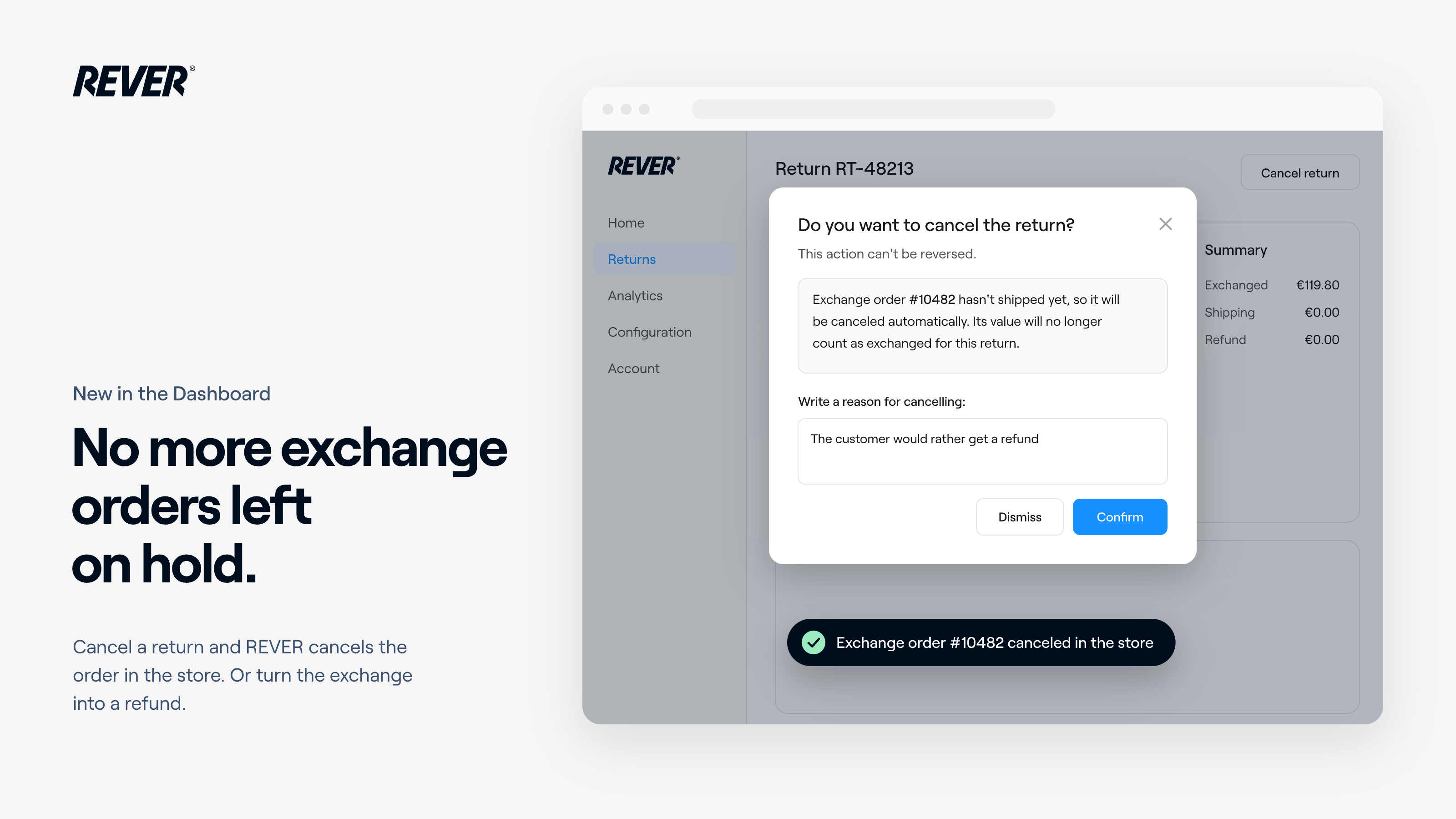
Cancel a return with an exchange and REVER cancels the exchange order in your store too. If the exchange hasn't shipped yet, you can switch it to a refund to the original payment method.

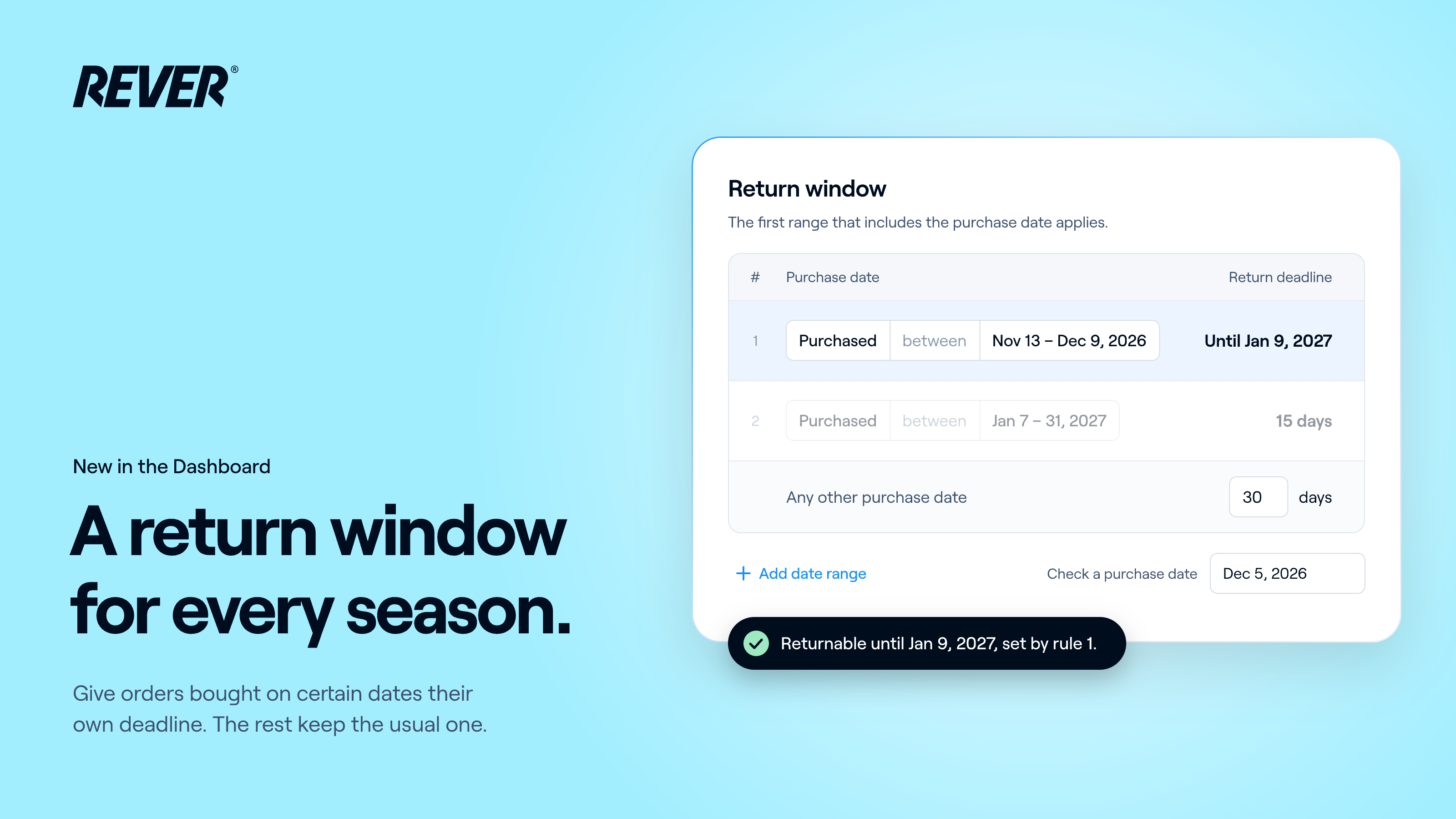
You can now give orders bought between two dates their own return deadline, a last day or a number of days, straight from the Dashboard. Every other order keeps your usual return window.

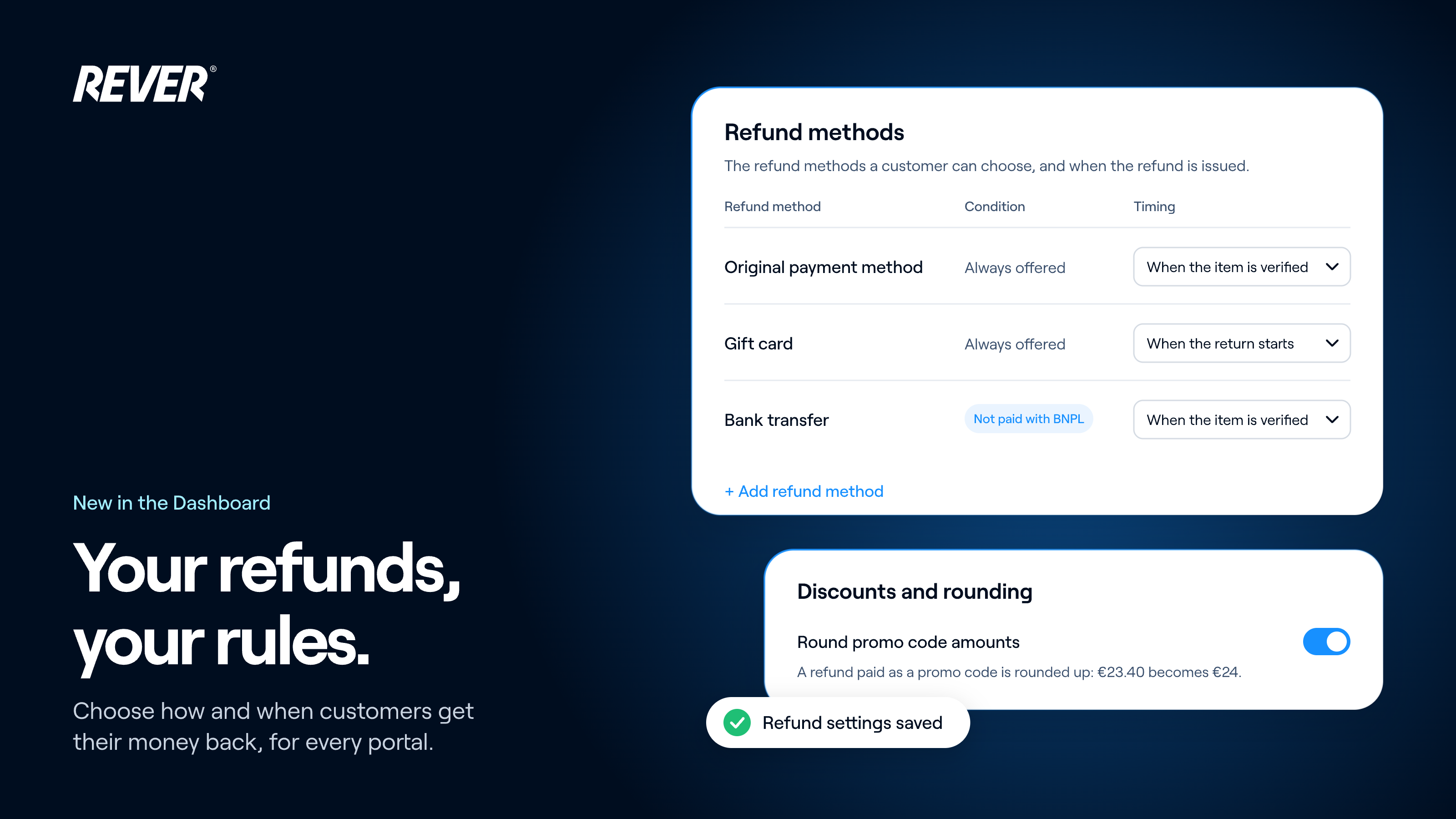
Refund methods, their conditions and timing, exchanges and rounding now live at group level in the Dashboard: set them once for every portal, and override them for any portal that needs something different.

Return conditions, return reasons, non-returnable items and requirements now live at group level in the Dashboard: set them once for every portal, and override them for any portal that needs something different.

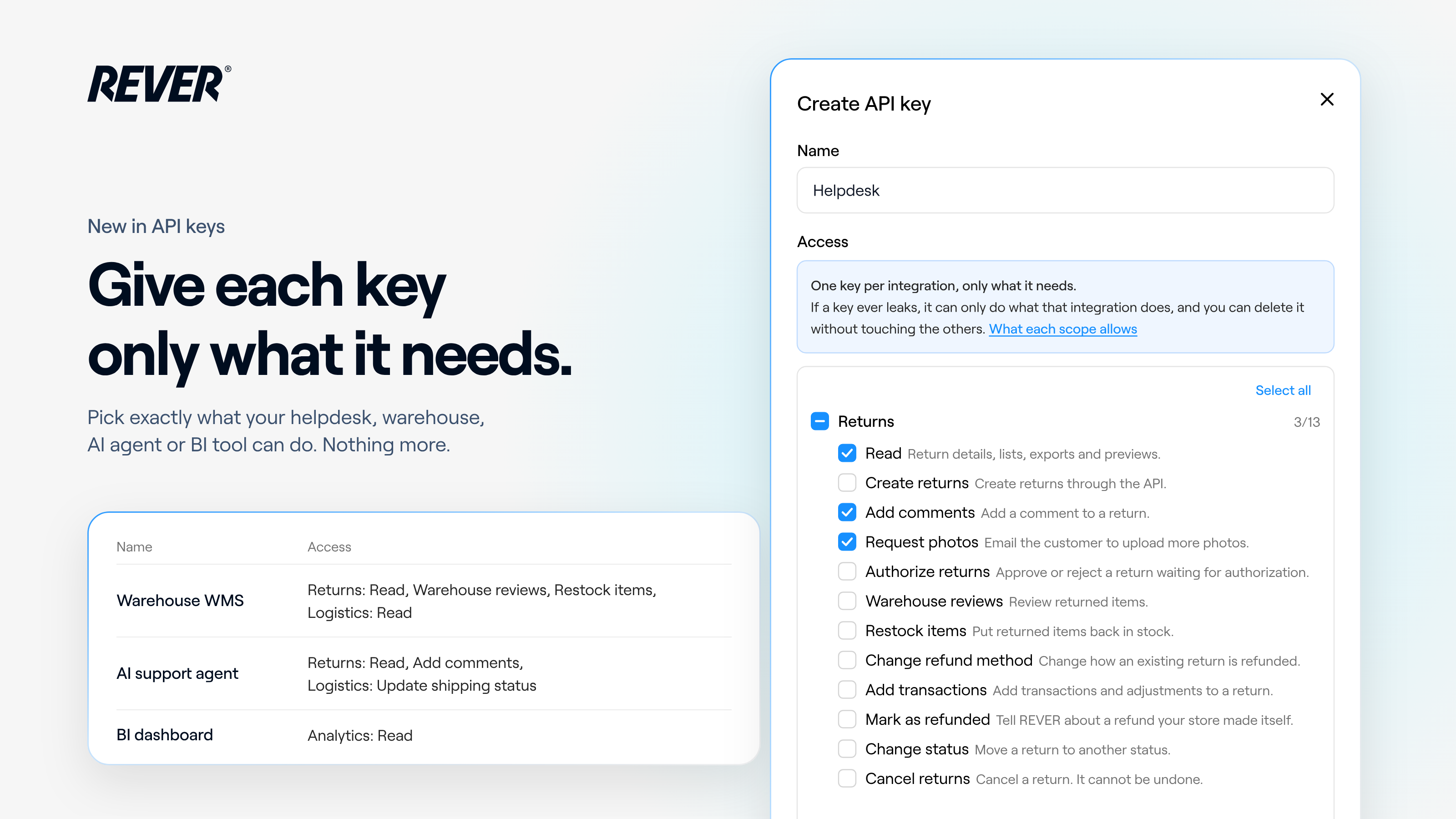
When you create an API key in the Dashboard, you now choose exactly what it can do, with scopes grouped by Returns, Logistics, Analytics, Store settings and Credentials. Existing keys keep full access.

Set up your Full Catalog yourself, straight from the Dashboard: choose the menu shoppers browse and the products, collections and tags that are never offered as a replacement. It applies as soon as you save.

Return warehouses and routing rules now live at group level, and you manage them yourself from the Dashboard: set them up once for every portal, and override them for the portals that need something different.

The Billing section of the Dashboard now lists every invoice since 2024 and lets you download its full breakdown in Excel and the supplied refunds note in PDF.