Self-service API keys: create, view and delete your keys in the Dashboard
Admins can now create, name, view and delete their own REVER API keys in the Dashboard, without opening a support ticket.
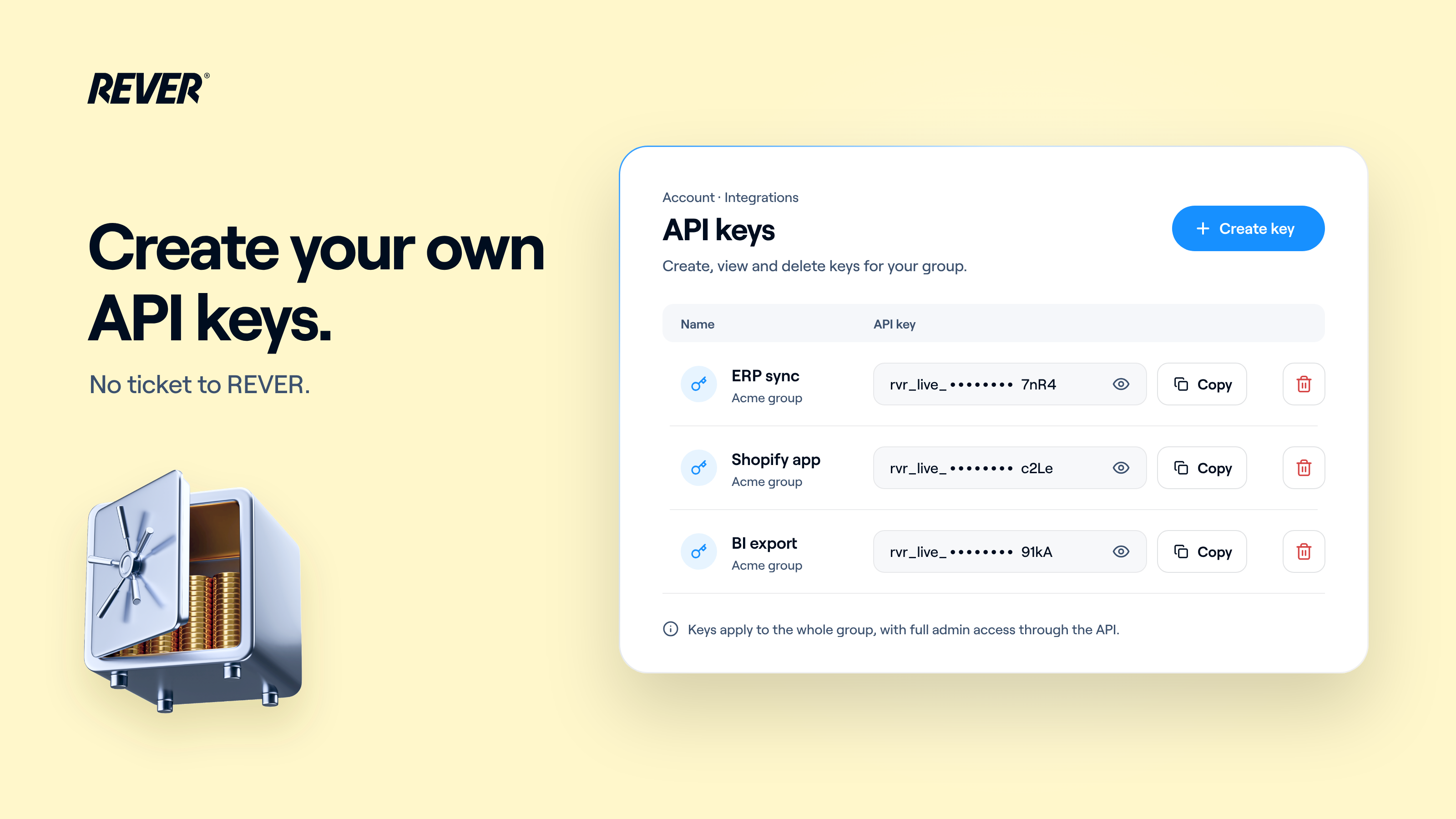
One more thing you no longer need to ask us for: you can now manage your own REVER API keys, straight from the Dashboard.
Introducing: Self-service API keys
How does it work?
Admins go to Dashboard → Account → Integrations → API keys, where they can create, view and delete the REVER API keys for their account.
- Create a key instantly and give it a name, so you remember what it's for
- See your key values at any time from the list. They're kept hidden from REVER staff
- Delete a key you no longer use, without opening a support ticket
What should I keep in mind?
- Keys apply to your whole brand group rather than to a single store, and the list shows which group each key belongs to
- Every key has full admin access through the API
- Deleting a key is permanent: any request still using it fails straight away
When can I use it?
It's live today in your Dashboard. If you have questions, just let us know.