REVER Analytics Assistant: ask your data anything, right from the Dashboard
Open the REVER AI Assistant from any Analytics tab and get real-time answers, breakdowns and CSV exports without leaving the dashboard.
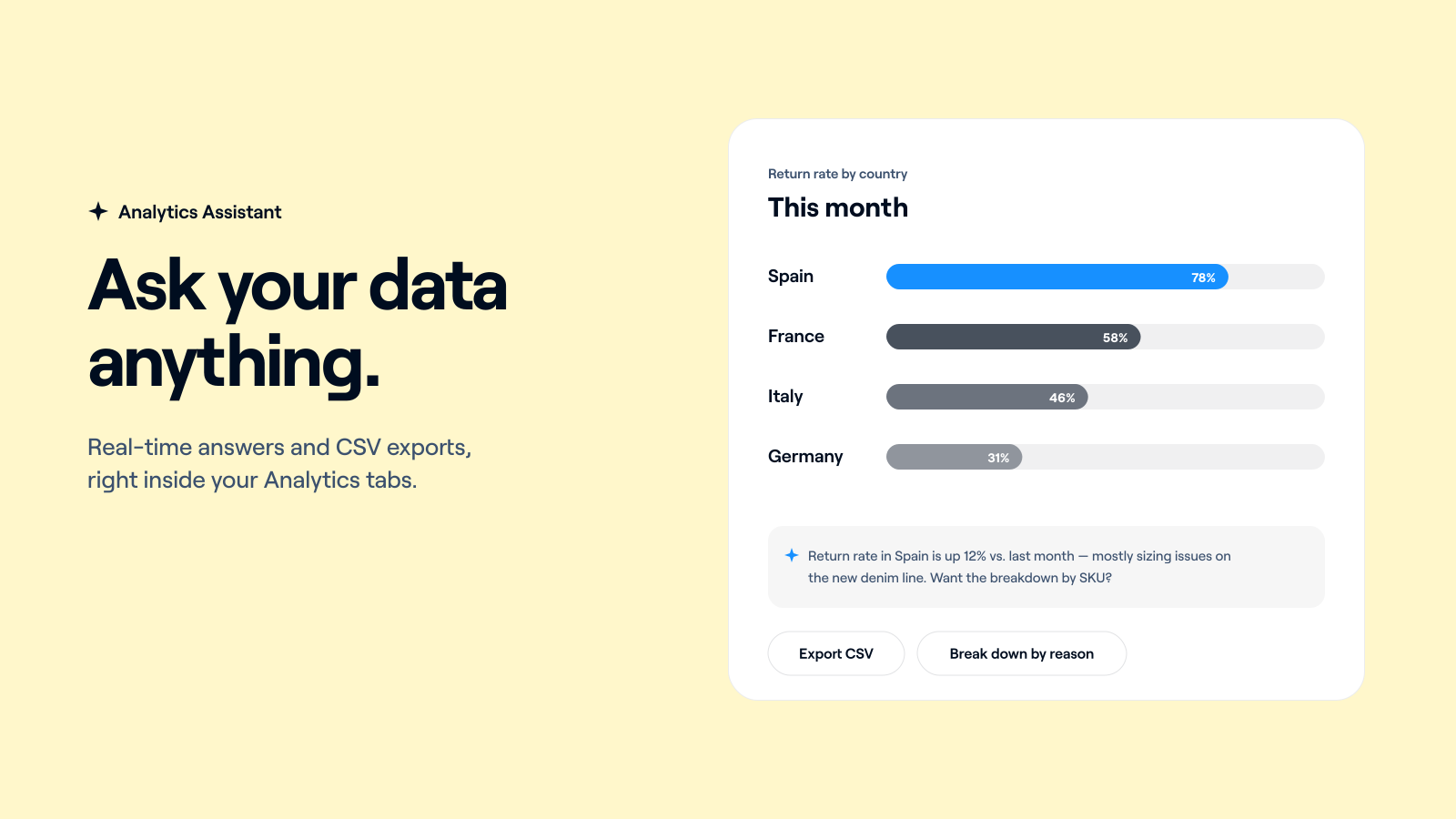
Today REVER AI arrives in the Dashboard to edit shipping costs, and it also learns a second skill, a big one: your analytics.
Introducing: REVER Analytics Assistant
How does it work?
Go to any tab in the Analytics section and open the REVER AI Assistant. It already knows which site, ecommerce and time period you're looking at, so you don't need to explain the context. Just ask.
What can I ask?
- Your main metrics, how they've evolved, and what each one means
- Breakdowns by any field: country, product, return reason, carrier, and more
- Details about specific return processes and orders
- And much more. If you'd ask an analyst, you can ask the assistant
Can I get the data out?
Yes. Any answer can be exported to CSV in a few seconds, so you can drop it straight into your own reports.
What does it cost?
Nothing. It's included for every Dashboard user.
This is the second REVER AI use case in the Dashboard, and more screens are coming. If you have questions you'd love the assistant to answer, just let us know.