Return window by purchase date: give seasonal orders their own deadline
You can now give orders bought between two dates their own return deadline, a last day or a number of days, straight from the Dashboard. Every other order keeps your usual return window.
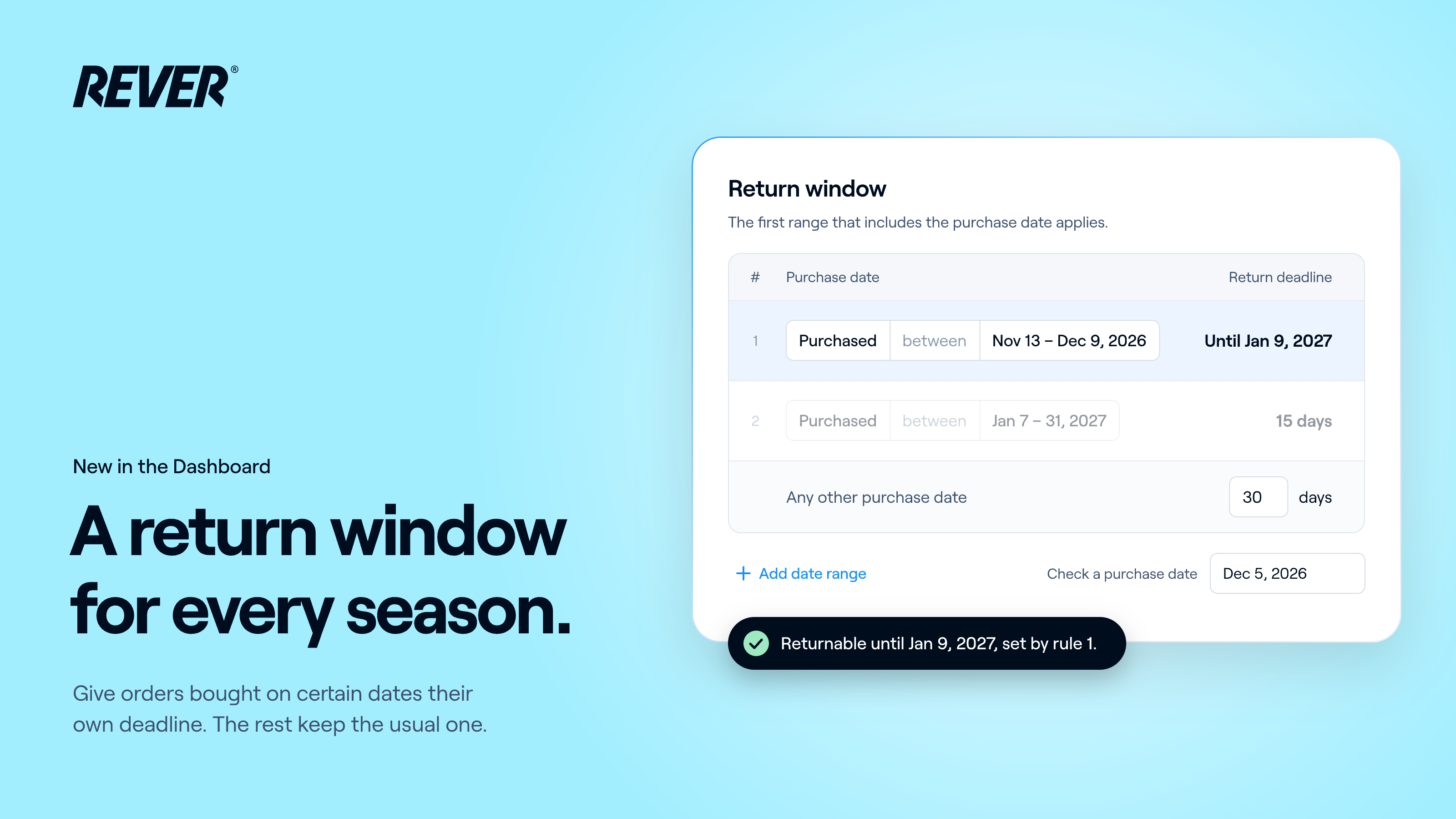
Just in time for Black Friday and the holidays, you can now give orders bought on certain dates their own return deadline, yourself, from the Dashboard.
Introducing: Return window by purchase date
How does it work?
- Date ranges: orders bought between two dates get their own deadline, either a last day (for example, bought from November 13 to December 9, returnable until January 9) or a number of days.
- Any other purchase date: your usual return window is now the last row of the list, and it still applies to every order outside your ranges.
- Check a purchase date: pick a date and the page tells you which deadline it gets, and from which range.
- Groups and portals: set it once for your group, and give any portal its own, like the rest of your return conditions.
What should I know?
- What matters is the purchase date, so a range you save today also covers orders bought last week. Returns that have already started aren't affected.
- Days count from fulfillment, like your usual return window. A last day includes that whole day.
- If you have “Skip return period” turned on, it still wins: the return window, ranges included, is ignored.
When can I use it?
It's available today. You'll find it in your Dashboard under Configuration → Return conditions → Return window.
If you have any questions, just let us know.