Refunds and exchanges settings: choose how and when customers get their money back
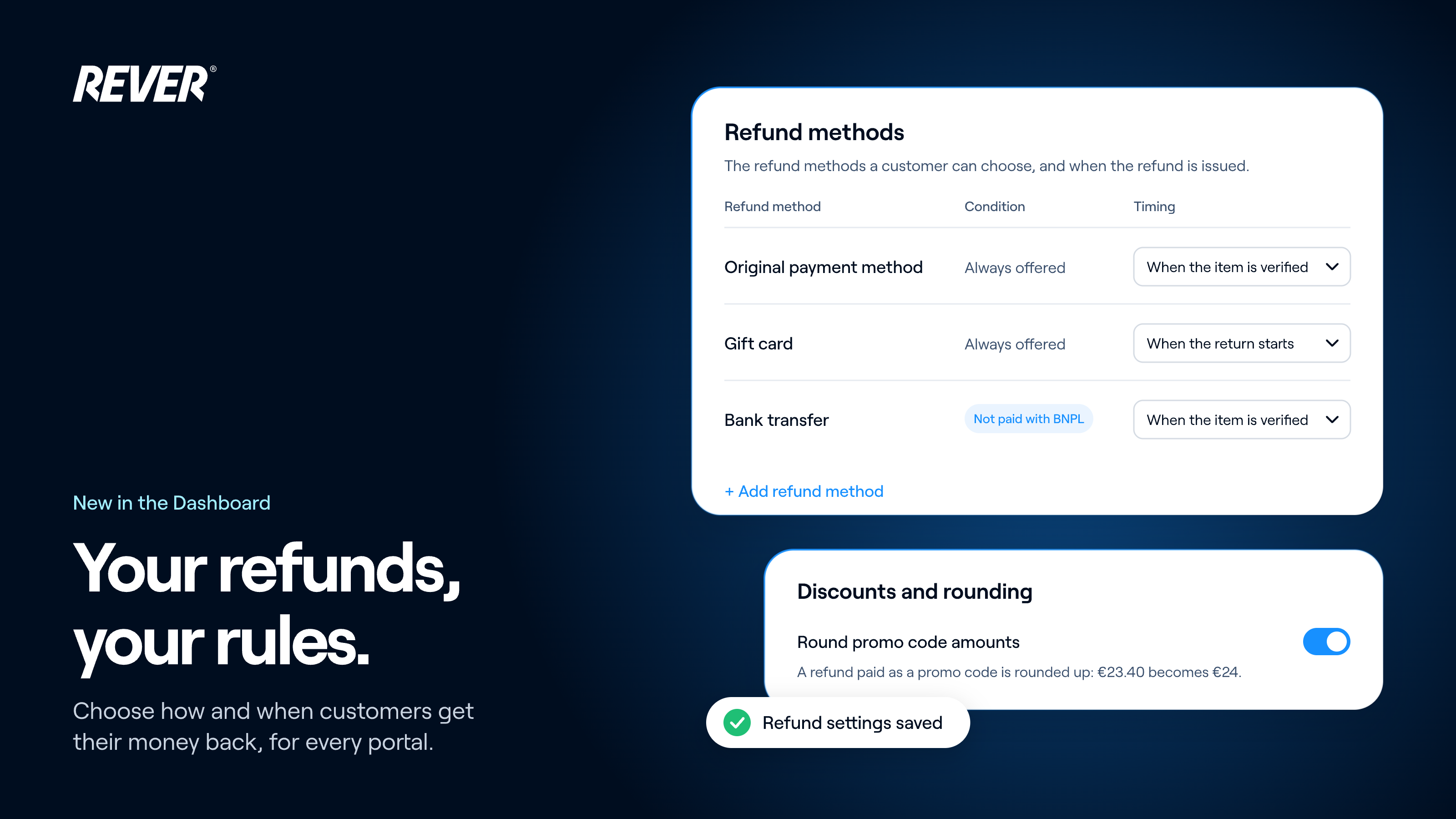
Refund methods, their conditions and timing, exchanges and rounding now live at group level in the Dashboard: set them once for every portal, and override them for any portal that needs something different.
I'm very happy to share that, from today, you can manage your refunds yourself, for your whole group at once.
Introducing: Refunds and exchanges for the whole group
What can I set?
- Refund methods: original payment method, gift card, promo code or bank transfer.
- Conditions: which returns can use each method.
- Timing: issue the refund when the return starts, when the item is sent, or when it's verified.
- Exchanges and returns: decide which items can be exchanged and which returned.
- Rounding: round promo code refunds up to a whole amount.
How does it work?
Set it once and every portal in your group uses it. If one portal needs something different, choose “Override for this portal”. To bring it back in line with the rest, choose “Reset to group”.
When can I use it?
It's available today. You'll find it in your Dashboard under Configuration → Refunds and exchanges.
If you have any questions, just let us know.