Edit the refund method from the Dashboard
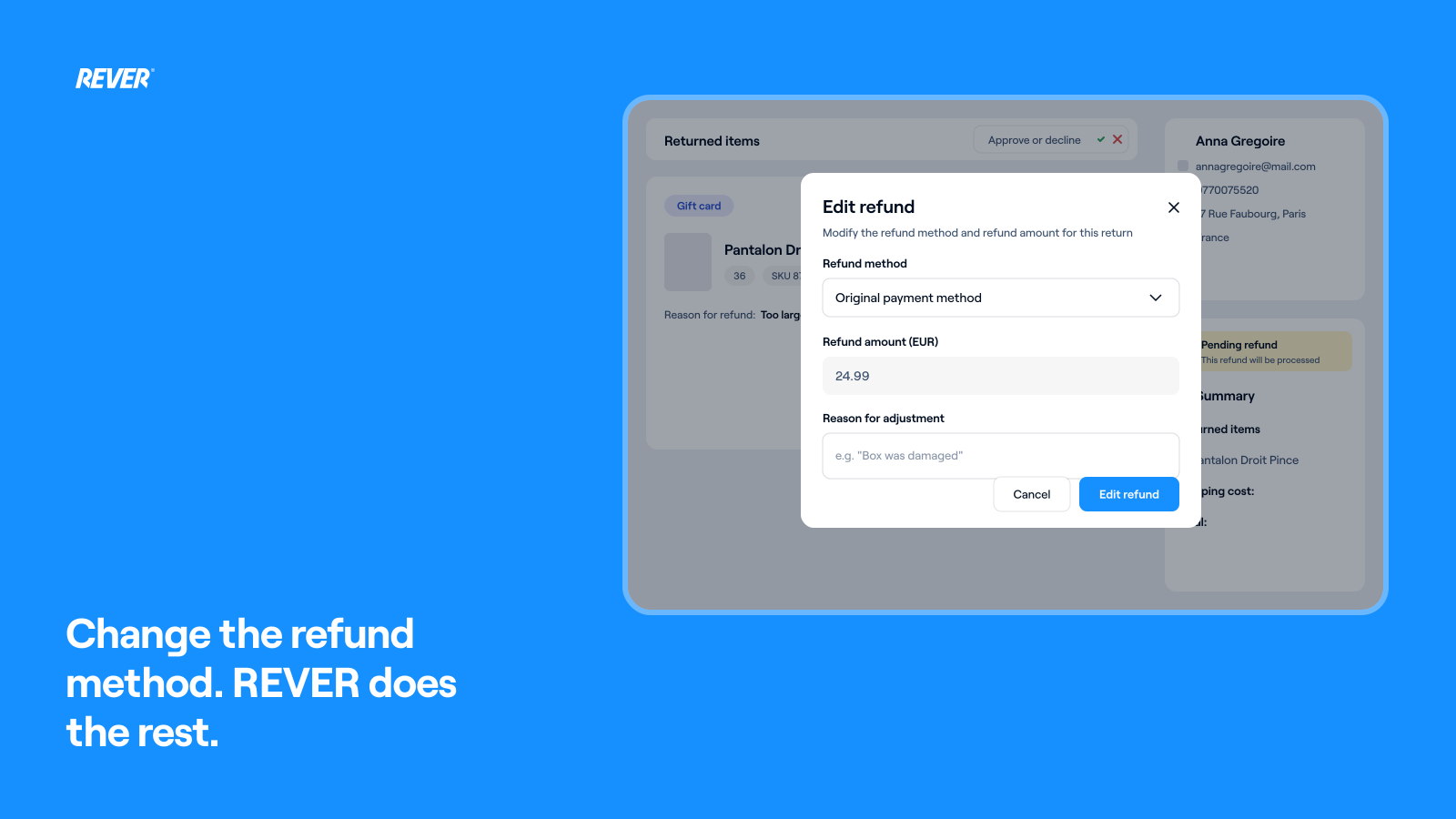
Switch a refund from Gift Card to Original Payment, adjust amounts and reissue it, all from the Dashboard. REVER checks the gift card, recalculates and issues the new method for you.
One of the features you've asked us for the most is here, just in time for the peak returns season.
Introducing: Edit the refund method from the Dashboard
How does it work?
You can now edit everything about a refund directly from the Dashboard: switch from Gift Card to Refund, reduce or increase amounts, and more. When you do, REVER will:
- Automatically check whether the gift card has been used (where your platform allows it)
- Cancel the gift card if it hasn't been used (where your platform is integrated)
- Automatically recalculate the refund amounts
- Automatically issue the new refund method
When can I use it?
It's already available in your Dashboard, so you can try it today.
If you need more information, just let us know and we'll be happy to help!